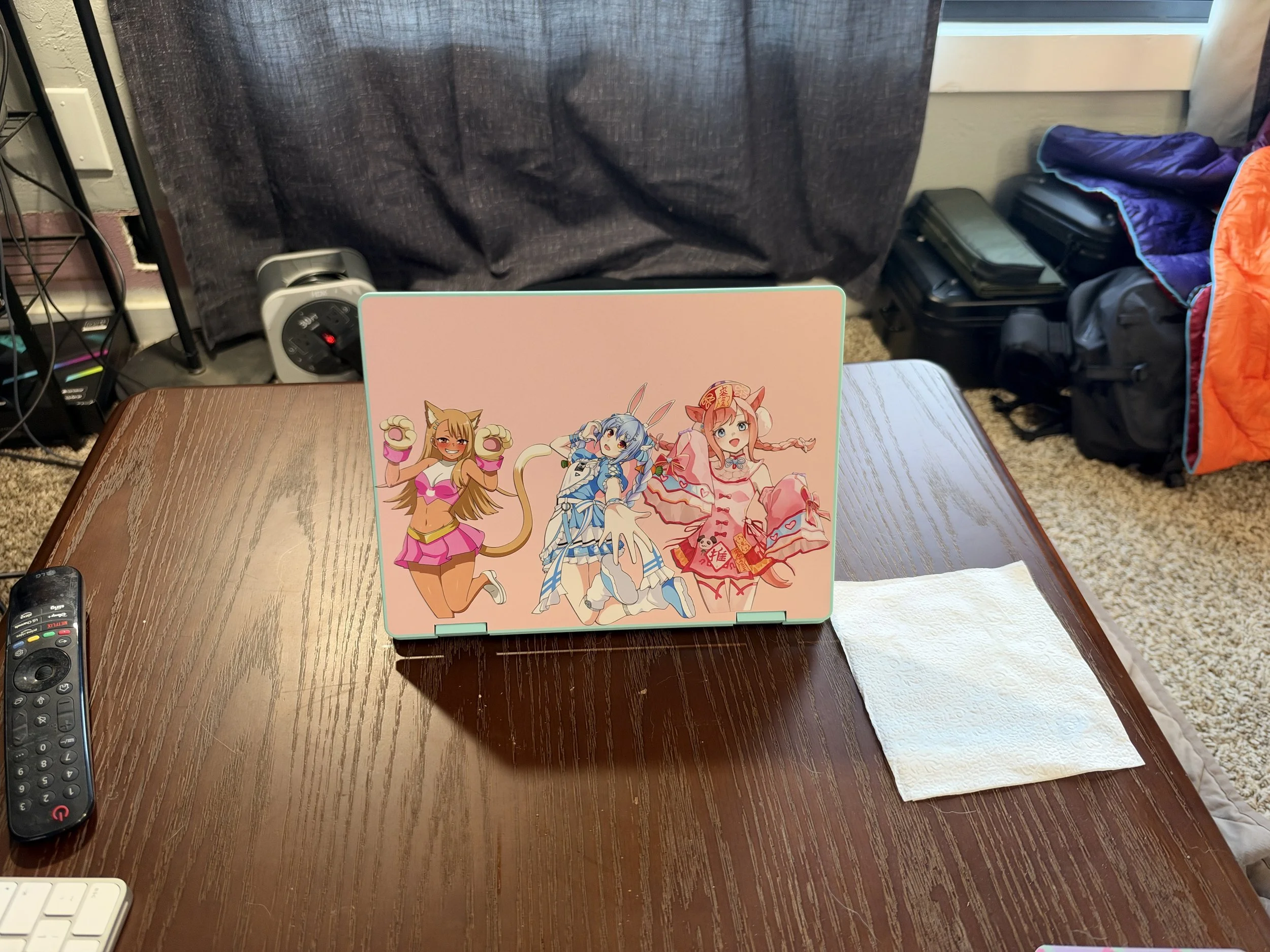
Initial physical assembly was super easy, everything was well labeled and there was not much to actually figure out. The largest drawbacks that I noticed was requiring a 2230 sized NVME drive, while I like being able to change it out if needed this form factor does limit drive choice and given the current cost of storage could impact the overall cost of the device. The other issue is the single memory slot, again this is not a performance machine but with memory being as hard to find limiting to only one slot means that 16GB configurations require the purchase of more expensive single sticks. Check out my youtube unboxing and assembly video https://youtu.be/i45xFog_BJE.
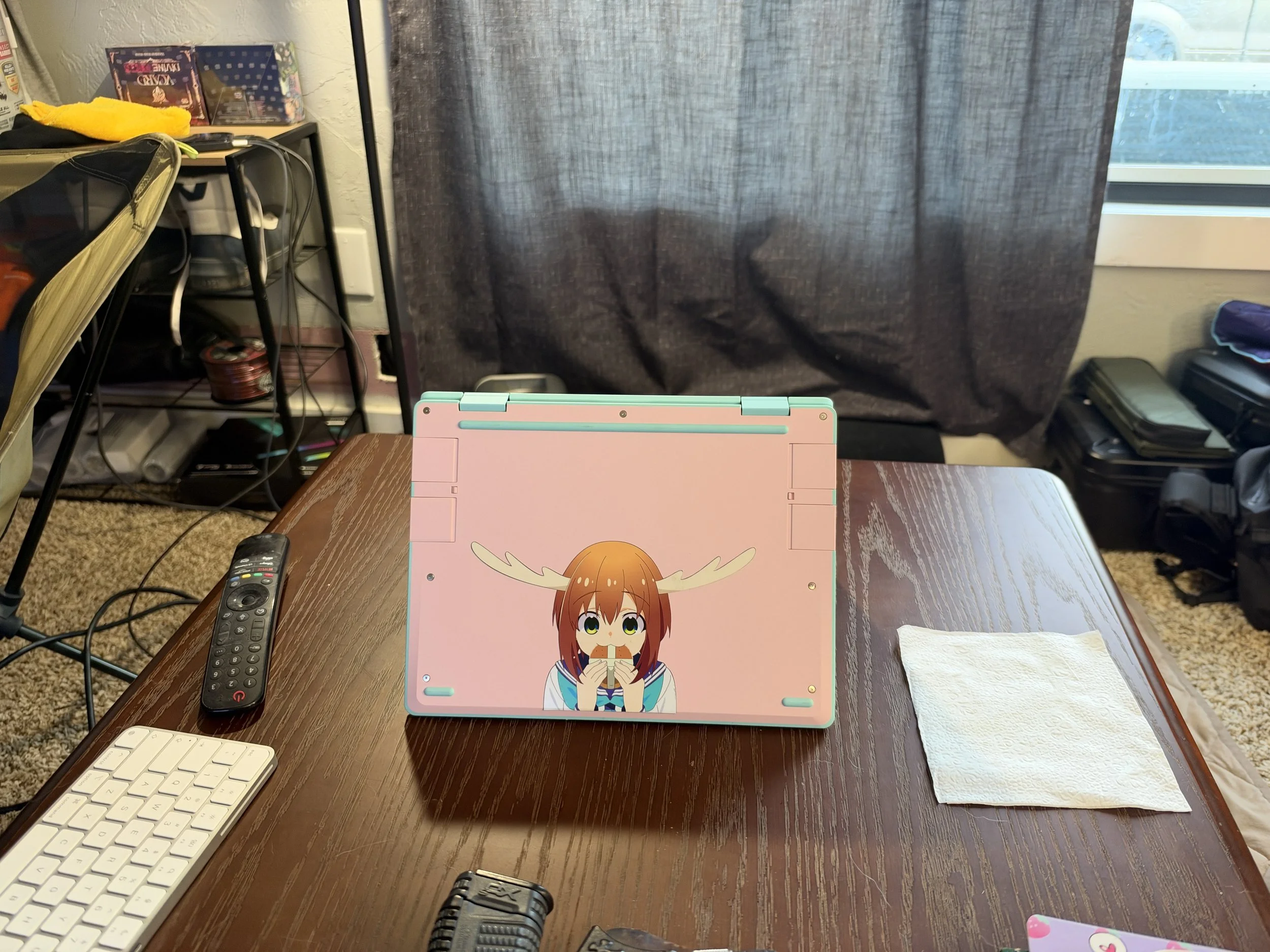
The plastic outer shell is fun and I like the bright color choices. Having low cost replacement parts is also a huge plus. I would expect a device like this to see some rough usage and I think that scrapes and scuffs may be less noticeable with the plastic chassis. This does result in a lot of flex when holding the device with one hand. It also has noticeable flex when transitioning between laptop and tablet mode. While the ability to use it like a table is fun and drawing with the pen may be good for some I find that the large size of the device make it not that great as a tablet.
The expansion cards are a nice touch and I really like the ability to select my ports and change them when needed. The color matched options also look great, and being able to mix and match colors gives a fun customization option. I really like the option of USB A, as a lot of legacy devices are easier to use with at least one port on the laptop. It is also very nice to have a network adapter that doesn’t require a sketchy dongle. The option to select an HDMI or Display Port output is also very nice as a lot of devices usually give one or the other if any display ports are even given. I did notice that my plastic USB C ports developed a small crack at the top portion of the port where the material is thinnest, this does not seem to affect functionality but does highlight the relatively low structural strength of the plastic. They are also somewhat difficult to get out, there is not really a good place to get leverage on the cards to pull them out with.
On to the software installation. I had originally intended to go with CachyOS, however I could not get my install drive to recognize initially so instead I went with Fedora. Upon further investigation it seems that secure boot is enabled in the BIOS by default and CachyOS is not compatible with that. That said I have been happy with Fedora and see no need to change at this point. I will note that during the install I had downloaded what I thought was the latest version of Fedora (44?) and while the initial install went without issue the network card was not detected on initial start. Luckily I was able to connect to my network with the hardwire network card and after connecting Fedora updated and after a quick reboot everything just worked. I am unsure if I had an outdated version on my flash drive or if this is due to the new network cards Framework is using with the Core series motherboard.
I went with the core 5 320 that has 2 performance cores and 4 efficiency cores with 2 gpu cores for integrated graphics. The ram was bought with the laptop and came as a single 16GB stick of crucial DDR5-5600. The SSD was a 1TB Sandisk SN770M. With these specs Fedora runs great and most programs have no real issues. It does feel slightly slower than my M5 Macbook Air, as this is probably meant to compete with the likes of the Macbook Neo it seem to hit the mark for light usage. It even does a decent job running light games from my steam library, While I haven’t tried to run anything demanding on it basic visual novel type games are great, some older RPGs also run well. This laptop does seem to run a bit warm, but with the fan I have not notice much fan noise or thermal throttling. But it is noticeably warm when picked up even after light duty task.
As this is not meant to be a performance laptop most of my testing has involved my normal daily tasks, such as web browsing and watching Youtube. I have made a point of writing up this review using the Framework 12 as well to get a feel for typing on it. While the keyboard is good enough it has taken me a bit to get used to and I have had a few issues with the touchpad picking up my palm and nearly erasing whole paragraphs of work. The backlight on the keyboard is functional but I have not really found myself turning it on. The grey with white letters is surprisingly easy to see and use even in lower light conditions so the backlight is more of a nice to have than on other laptops I have used. The touchpad is decent but after using a Macbook for over a year the small size the way it registers (or doesn’t) clicks leaves a lot to be desired. The screen has been decent if not great. It is more than bright enough for all my normal conditions with mostly involve being indoors, however the colors are not great and motion even fast typing can look a bit weird. I have no real eye for color but when comparing it to all the other screens I have it is noticeably bad. The speakers too are functional but nothing more, even watching Youtube with them is a sad experience. Voices seem off and while the volume is enough they could be a lot better. There seems to be plenty of room in the chassis and I hope that the screen and speaker make the cut for an upgrade next time. If I am really lucky I will just be able to buy better ones and put them in myself. I don’t have the need for a webcam or microphone so my usage of them has been limited to simply making sure they work, nothing stood out to me about them other than the physical switches for turning them off.
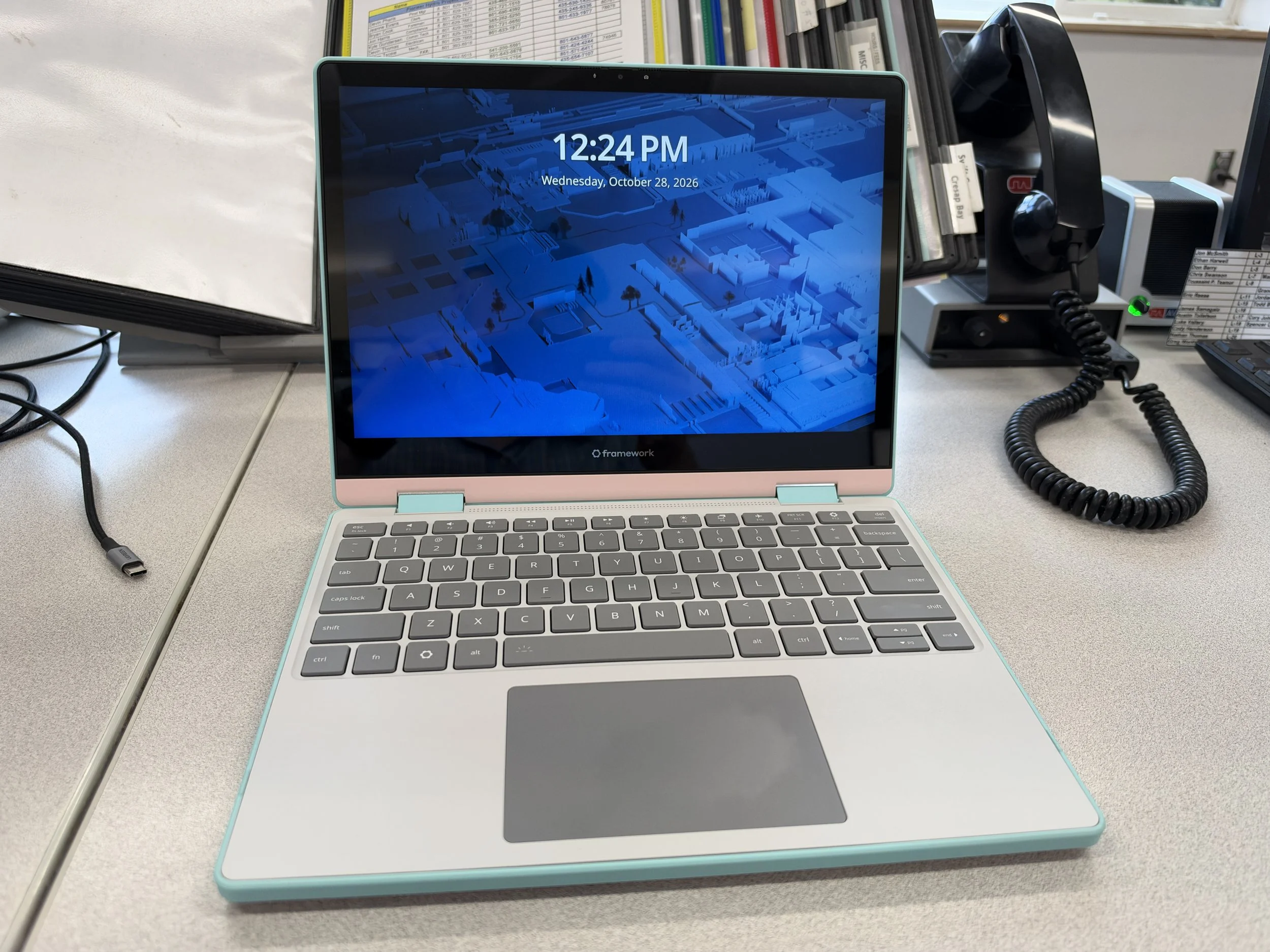
Battery life has been very good. There are BIOS options to limit charge percent but unlike my other devices, with the ease of repair and the low cost of parts I have not been inclined to set an 80% limit like on other devices. At reasonable brightness and performing light tasks it easily hits 6-8 hrs of continuous use, with 10 hrs not being out of the question. The device also charges quickly and does so well even on some older lower powered chargers. It is super easy to just grab a cable and give it a top up so I haven’t had a lot of concerns over charge level in daily use. I have also had good luck with sleep mode, no unexpected dead battery or laptop trying to bake itself in my backpack over night. I am not sure if this is due to the use of Linux or if it is a result of the new intel chips, maybe a little of both.
Overall the Framework 12 is a fun and functional laptop that I really enjoy using. It is also a bit expensive on the initial purchase price. It gives a lot of flexibility and long term repair-ability that have been missing from the windows/linux laptop market but that comes with a cost. I personally am willing to pay it and am eagerly awaiting the next generation of upgrades. If you are just looking for an entry level device to run Windows on are more focused on the lowest cost this is not the device for you, however if flexibility and customization are what you are looking for and you can shell out a bit more up front money this will be an excellent long term companion. If you want more power or a more finished product then perhaps look at the framework 13, as those offer a much more powerful set of chips while still being light and good on battery. At the end of the day the Framework 12 is a fun toy for me to play with and take to places where I might not be willing to take my more expensive and premium laptops.
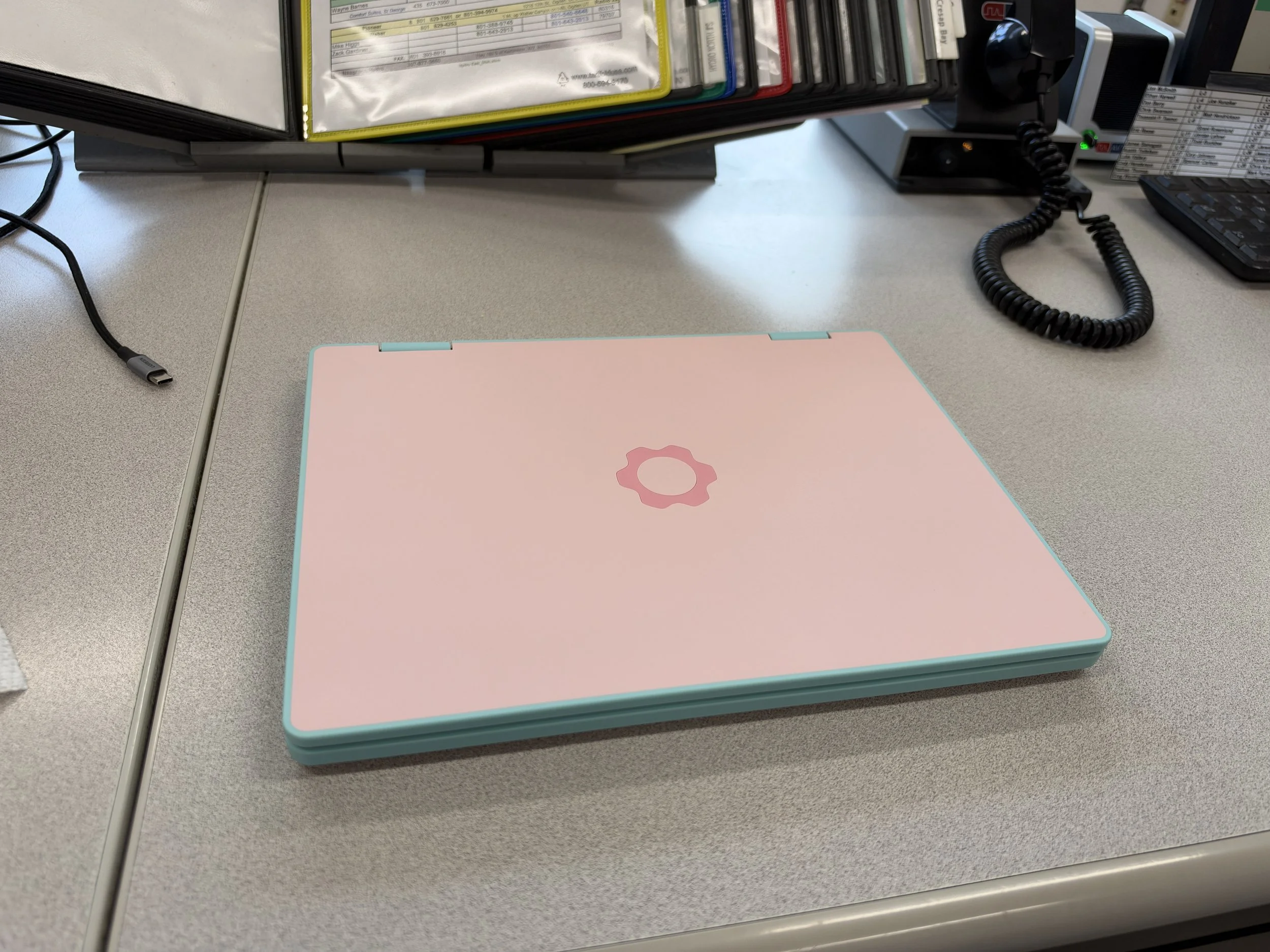
Framework 12 in Bubblegum
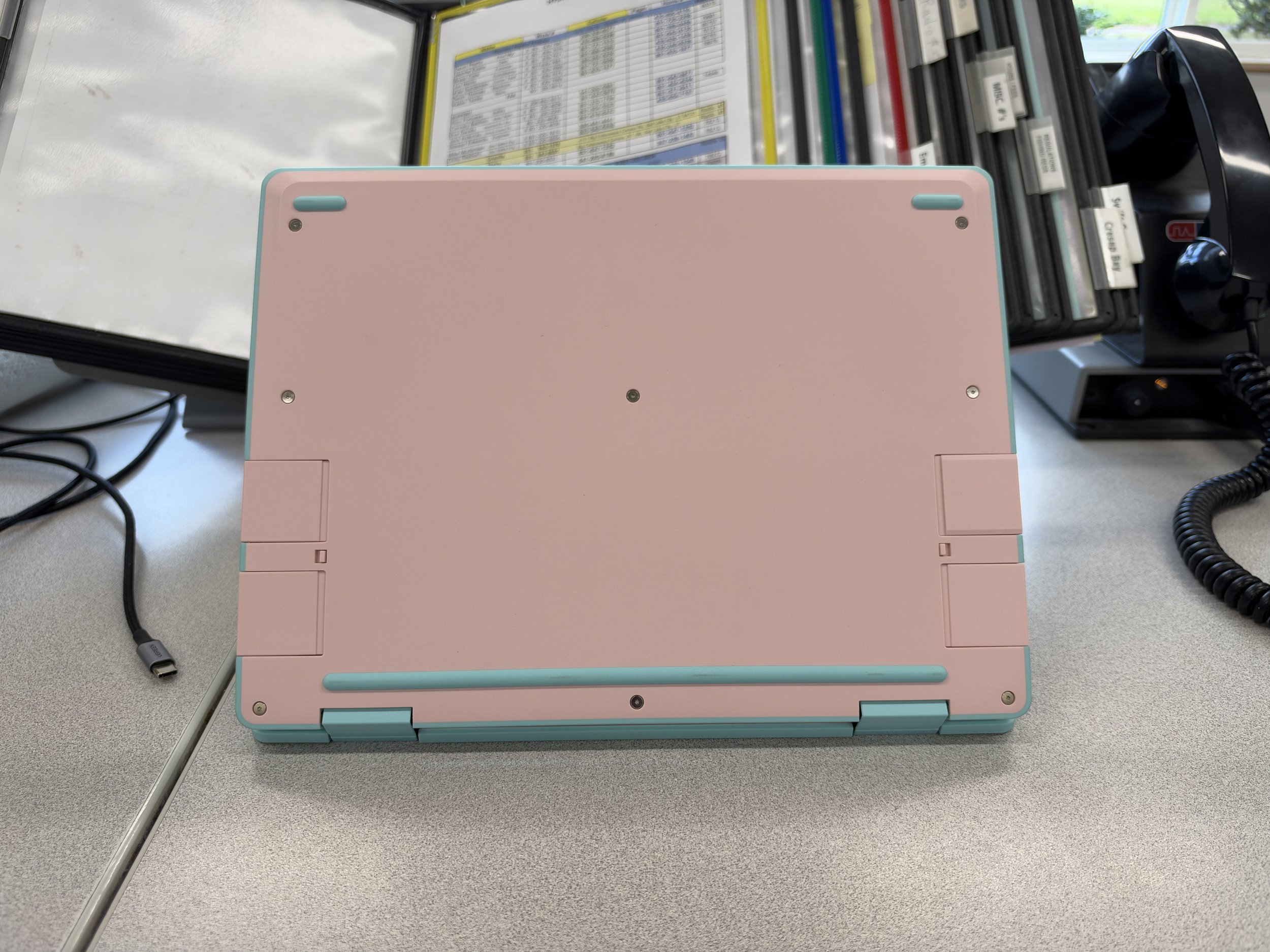
Underside of the Framework 12